
RTA NOL Card Balance Check – Online, Number, History & Complete Dubai Guide
The NOL card is an essential part of daily life in Dubai, used by millions of residents for public transport. Whether you are traveling by bus, metro, tram, or even paying for parking, the NOL card makes transactions quick and cashless.
Because the system works on prepaid balance, many users frequently search for RTA NOL card balance check, RTA NOL card balance check number, and RTA NOL card balance check history to manage their travel efficiently.
Running out of balance can interrupt your journey, especially when entering metro stations or boarding buses. This guide provides exact and simple methods to check your NOL card balance, track usage history, and avoid travel issues.
What Is an RTA NOL Card
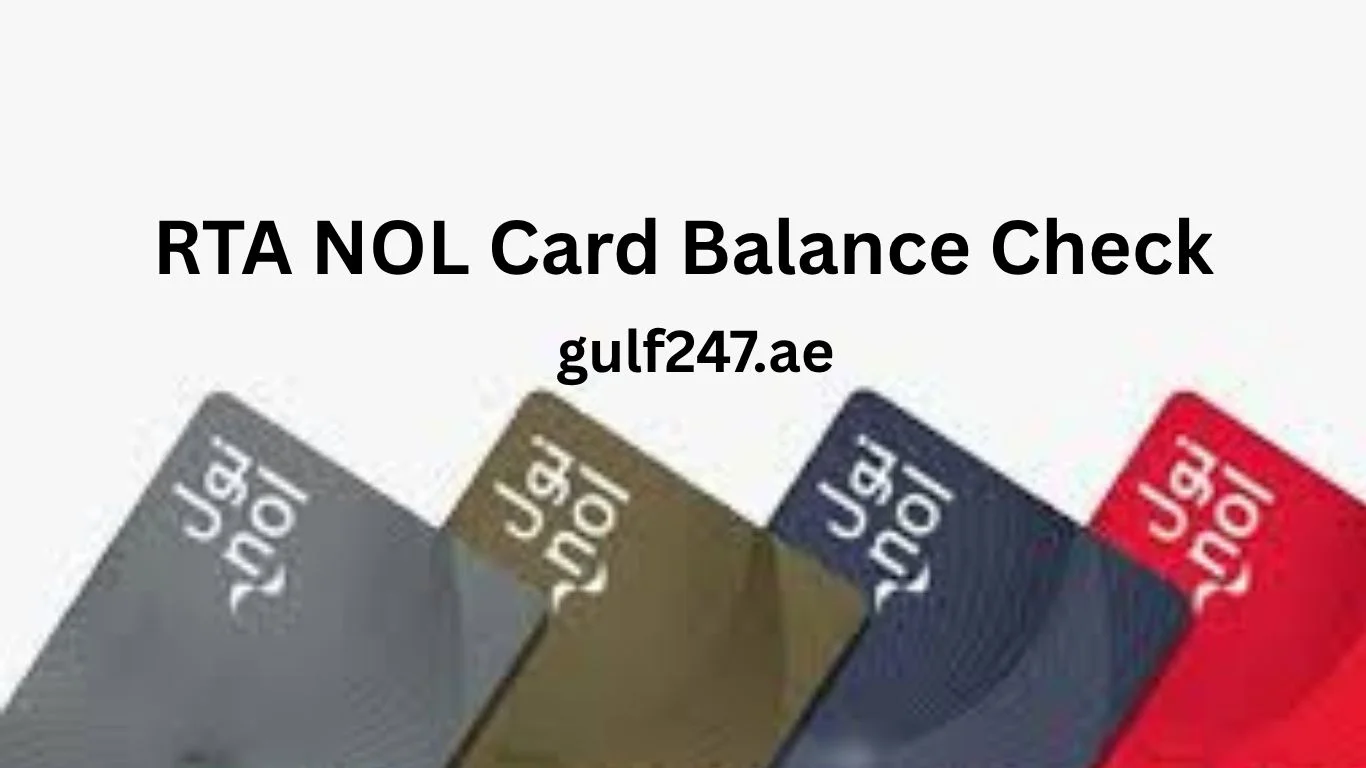
The NOL card is a smart card introduced by Dubai’s Roads and Transport Authority to simplify public transport payments.
It can be used for:
Dubai Metro
RTA buses
Dubai Tram
Water buses
Parking payments
Some retail stores
The card works by tapping on entry and exit points, with fares automatically deducted based on travel zones.
RTA NOL Card Balance Check Online
The easiest way to perform an RTA NOL card balance check is through the official RTA website.

Steps:
Open the RTA official website.
Go to the NOL card services section.
Enter your NOL card number (printed on the back of the card).
Click on Check Balance.
The system will instantly display your available balance.
This method is useful for users who want a quick check without visiting a metro station.
RTA NOL Card Balance Check Number
RTA NOL Card Balance Check Number
The RTA NOL card balance check number refers to the unique number printed on your NOL card, which is used to check your balance online or through official RTA services.
This number is typically located on the back side of the card and acts as an identification reference for your account. When you use the RTA website or mobile app, you are required to enter this card number to access your balance and transaction details.
It is important to understand that this is not a phone number or SMS code. Instead, it is simply the card’s identification number used within the system to retrieve your information.
If the number is entered incorrectly, the system will not display your balance. For this reason, always ensure the number is entered exactly as shown on the card.
If your card number is damaged, unclear, or unreadable, you may need to visit a metro station or RTA service center to check your balance manually.
This method is one of the most commonly used ways to perform an RTA NOL card balance check, especially for users who prefer checking their balance online without visiting a station.
RTA NOL Card Balance Check Using RTA Dubai App
Another simple way to check balance is through the RTA Dubai mobile app.
Steps:
Download the RTA Dubai app.
Open the app and go to NOL services.
Enter or scan your NOL card.
View your balance instantly.
The app also shows additional details such as recent transactions and card validity.
This method is widely used by daily commuters in areas like Deira, Bur Dubai, and Business Bay.
RTA NOL Card Balance Check History
If you want to track your travel expenses, you can use the RTA NOL card balance check history feature.
Steps to check history:
Visit the RTA website or mobile app.
Enter your NOL card number.
Open the transaction history section.
View recent trips, fares deducted, and recharge records.
This feature is helpful for:
Tracking daily travel spending
Checking incorrect deductions
Managing monthly transport costs
Regular commuters often use this option to monitor their usage.
RTA NOL Balance Check at Metro Stations
Passengers can also check their NOL card balance at any Dubai Metro station.
Available options include:
Ticket vending machines
Card reading machines
Customer service counters
Simply tap your card on the machine, and the balance will appear on the screen.
This method is fast and does not require internet access.
RTA NOL Balance Check Using Bus Card Readers
When boarding a bus, the card reader shows your remaining balance after tapping the card.
This allows passengers to quickly check if they have enough balance for their journey.
Many commuters also use UAE bus card balance check online before leaving home to avoid travel issues.
How to Recharge NOL Card
If your balance is low, you can recharge your NOL card using several methods.
Online recharge through the RTA website
Mobile app recharge
Metro station machines
Supermarkets and retail outlets
Ticket offices
Recharge amounts vary depending on the type of card.
Always ensure your card has enough balance before starting your journey.
Minimum Balance Requirement
Dubai public transport requires a minimum balance on your NOL card before travel.
For metro and bus usage, you must maintain a minimum balance (usually around AED 7.5 or more depending on zones).
If your balance is below the required amount, you will not be able to enter metro gates or board buses.
Common Problems and Solutions
Users sometimes face issues when checking NOL card balance.
Incorrect card number entered
Website temporarily not working
Card not activated
Internet connection issues
Solutions include:
Double-check the card number
Use the mobile app instead
Try again after some time
Visit a metro station for manual checking
People Also Search for NOL and Transport Services
Residents searching for RTA NOL card balance check often look for related services.
Common searches include:
UAE bus card balance check online
Salik balance check and recharge
Dubai Metro timings
Union Metro Bus Station routes
Sharjah Bus Station services
These services are part of the UAE’s integrated transport system.
Frequently Asked Questions
How can I check my RTA NOL card balance online
You can check it by entering your NOL card number on the official RTA website or mobile app.
What is the RTA NOL card balance check number
It is the number printed on the back of your NOL card used to check balance online.
Can I check NOL card balance history
Yes, you can view your transaction history through the RTA website or app.
Do I need internet to check NOL balance
Online methods require internet, but metro machines and bus readers do not.
What happens if my NOL card balance is low
You will not be able to use public transport until you recharge your card.
Final Thoughts
The RTA NOL card balance check process is simple but essential for daily commuters in Dubai. Whether you use the online method, mobile app, or metro machines, checking your balance regularly helps avoid travel interruptions.
Using features like RTA NOL card balance check number and RTA NOL card balance check history allows users to manage their travel expenses more effectively. For anyone relying on public transport in Dubai, keeping track of NOL balance ensures smooth and hassle-free journeys across the city.