
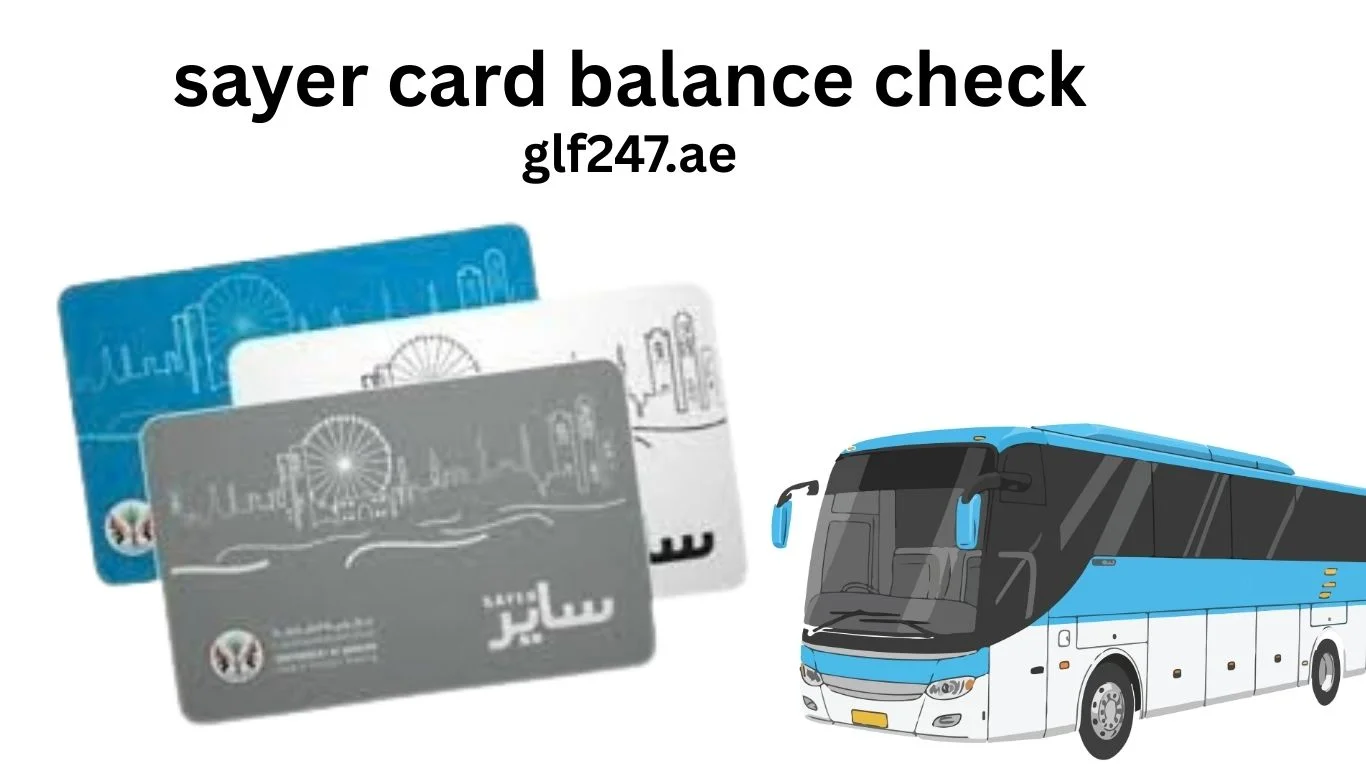
Sayer Card Balance Check 2026 – Check Online, Recharge, Registration & Where to Buy in Sharjah
If you are using public transport in Sharjah, the Sayer Card is essential for smooth travel. Whether you are a daily commuter, worker, or visitor, you must know how to perform a sayer card balance check, recharge it, and fix common problems.
Many users face issues like card not working, low balance, or not knowing where to check balance online. This guide solves all these problems with exact, step-by-step methods used in the UAE.
Read More:
What is a Sayer Card in Sharjah?
The Sayer Card is a smart travel card used for public buses in Sharjah.
It is issued by the Sharjah Roads and Transport Authority and works similar to Nol card in Dubai.
You can use it for:
• Public buses in Sharjah
• Intercity buses (Sharjah to Dubai/Ajman in some routes)
• Cashless fare payments
Without this card, you may not be able to travel on certain bus routes.
Sayer Card Balance Check – All Working Methods
If your card has low balance, you will not be able to board the bus. Below are all working methods for sayer card balance check online and offline.
Method 1 – Sayer Card Balance Check Online
The most searched method is sayer card balance check online, but many users don’t know the exact process.
Steps
- Visit the official website of Sharjah Roads and Transport Authority
- Go to transport or smart card services section
- Enter your Sayer card number
- Click on check balance
Your balance will appear on the screen.
👉 If the website does not show balance, use machine or bus validator method below.
Method 2 – Check Balance on Bus (Tap Machine)
This is the most accurate and commonly used method.
Steps
- Enter the bus in Sharjah
- Tap your Sayer Card on the machine
- The screen will show your remaining balance
This method is used daily by commuters.
Method 3 – Ticket Vending Machines
Some bus stations in Sharjah have machines.
Steps
- Visit a bus station
- Insert or tap your card
- Select balance inquiry
- View your balance instantly
Method 4 – Customer Service Centers
If your card is not working:
- Visit SRTA service center
- Provide your card
- Staff will check balance and fix issues
Sayer Card Recharge Online – Step-by-Step
Many users search sayer card recharge online but get confused due to limited options.
Online Recharge (If Available)
- Visit Sharjah Roads and Transport Authority website
- Enter card number
- Choose amount
- Pay online
⚠️ Note: Online recharge availability may vary.
Recharge at Machines
- Go to bus station
- Use ticket machine
- Insert cash or card
- Recharge your Sayer Card
Recharge Inside Bus (If Supported)
Some buses allow limited recharge.
Ask the driver if available.
Sayer Card Recharge Online– Complete Guide
If you want security and recovery, you should complete sayer card registration.

Steps
- Visit Sharjah Roads and Transport Authority center
- Provide Emirates ID
- Link your card
- Save your details
Why Registration is Important
• Recover balance if card is lost
• Protect your money
• Get better support
Sayer Card Where to Buy in Sharjah
Many new users search sayer card where to buy.
You can buy the Sayer Card from:
• Bus stations in Sharjah
• SRTA service centers
• Authorized ticket counters
Price
The card price usually includes:
• Card fee
• Initial balance
Minimum Balance Required
To travel, your Sayer Card must have minimum balance.
If balance is too low:
• Bus machine will reject entry
• You cannot start your journey
Always perform sayer card balance check before boarding.
Common Problems & Solutions
Balance Not Showing Online
Problem: Website does not display balance
Solution:
Use bus machine or visit SRTA center
Card Not Working
Problem: Card not detected
Solution:
Try another machine or replace card
Recharge Not Updating
Problem: Balance not updated after recharge
Solution:
Tap card in bus machine to refresh
Lost Card
Problem: Card lost with balance
Solution:
If registered, contact Sharjah Roads and Transport Authority to recover
Sayer Card vs Nol Card – Quick Difference
| Feature | Sayer Card | Nol Card |
|---|---|---|
| City | Sharjah | Dubai |
| Authority | Sharjah Roads and Transport Authority | Roads and Transport Authority |
| Usage | Buses | Metro, Bus, Tram |
| Online Services | Limited | Advanced |
Where Can You Use Sayer Card?
The Sayer Card works mainly in:
• Public buses in Sharjah
• Selected intercity routes
Unlike Dubai’s Nol card, it is more limited.
Tips to Avoid Problems
To use your card smoothly:
• Always do sayer card balance check online or before travel
• Recharge early
• Keep card safe
• Register your card
• Save your card number
Frequently Asked Questions
How to do Sayer card balance check online?
Visit the Sharjah Roads and Transport Authority website and enter your card number.
Where to buy Sayer card in Sharjah?
You can buy it at bus stations and SRTA centers in Sharjah.
Can I recharge Sayer card online?
Yes, if available via SRTA website, otherwise use machines.
What happens if my balance is low?
You cannot board the bus until you recharge your Sayer Card.
Is registration required?
Not mandatory, but recommended for safety.
Final Thoughts
The Sayer Card is essential for public transport in Sharjah. Knowing how to perform a sayer card balance check, recharge, and register your card will save you from daily travel problems.
By following the methods in this guide, you can easily manage your card, avoid low balance issues, and travel smoothly across the city.
For best results, always check your balance before travel and keep your card active.

